- <
- o
- >
-
Camera Mapper
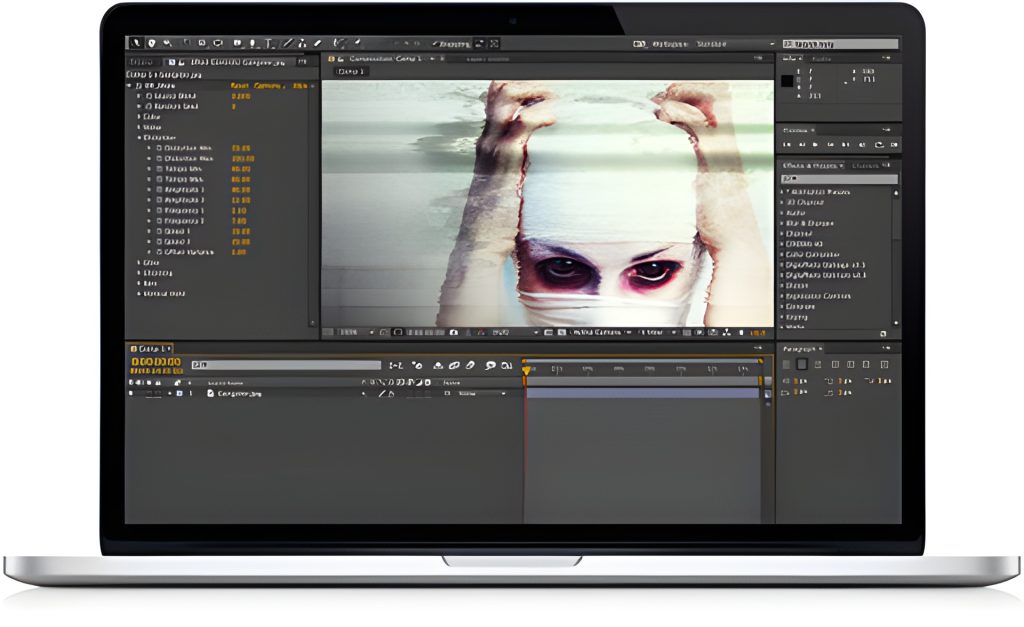
Camera Mapper - Simulate a 3D scene from 2D still images or video footage.
Click to View Video -
Atmosphere
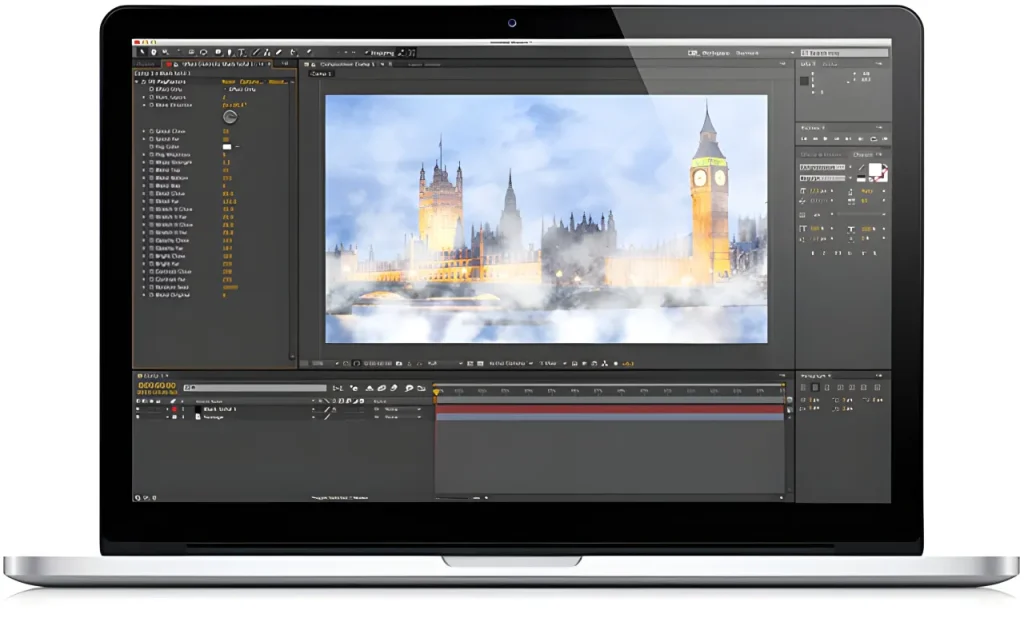
Atmosphere - Get your head back in the fog with Digieffects Atmosphere plug-in.
Click to View Video -
Depth
Depth - Create depth maps on the fly or “precompose depth” to give your Lens Blur even more power.
Click to View Video -
Flipside
Flipside - Easily flip your footage or layers with this simple tool and map two separate layers onto each other.
Click to View Video -
Falloff Lighting
Falloff Lighting - Create realistic Falloff Lighting on your footage or layers.
Click to View Video
Control the Worlds Between 2D and 3D
Includes the World Renowned Camera Mapper
Have you noticed that adding the appearance of another dimension to your compositing projects feels like you’ve stepped into another dimension when it comes to the laws of physics? Taking 2D compositing projects into simulated 3D depth can be a hassle as you're often trying to apply logic to processes that have no simularity to your life...on Earth. Digieffects has compiled a collection of plugins that are designed to handle a variety of factors surrounding common sense manipulation of the critical half-dimension.
Reviews/Awards VIEW ALL
"Sometimes, the best plug-ins should really be included with After Effects to begin with, and that could not be more true than with my next “Best of ‘10”. Say hello to Buena Depth Cue 2."
Kevin McAuliffe - ProVideo Coalition
read the review
Features
Buena Depth Cue v2 is the "Complete 2.5D suite."
Depth:
It’s said that birds see everything in focus no matter the distance. Humans can’t seem to focus on the space in front of their fast-moving automobile most days.That’s why Photographers and Cinematographers attempt to define planes of action or of composition with selective focus to “guide us”through their images. As human beings, our perception of depth is key to our feeling of scale and proximity...our entire sense of 3D space. When the entire image is in focus, the viewer loses the sense of the Z dimension in the material, be it a still image, a motion picture or video, or motion graphics.
Digieffects’ Depth gives you the ability to add these differences in focus to your images or motion graphics after they’ve been created. Using the ability of Depth to create a depth map, you generate a gray scale ‘layer’that drives the difference in how effects are applied to a clip in After Effects. You might think of it as an “alpha channel”for focus instead of transparency. If you require more virtual camera movement, use the ‘precomposite depth’ feature to allow a greater range of animation and viewing angle.
If you work in “2.5D”and want to achieve realistic results, Digieffects’ Depth will quickly become an indispensable tool.
Falloff Lighting:
Lighting is part of what makes a composite believable. It needs to throw light where you need it but make sure what is supposed to be in shadow stays in shadow, otherwise it makes things less realistic...like your indie zombie film’s makeup budget for instance. Digieffects’ Falloff Lighting plugin for After Effects provides a lighting system that mimics the way a light’s output drops off over distance in the practical world. In the practical world, the art of placing lights is in no small part dependent on deciding where to place the shadows in a scene. Having an effective composite is dependent on natural light falloff so that items further away from your light aren’t throwing shadows resulting from illumination that shouldn’t be reaching them to begin with...
Digieffects’ Falloff Lighting is the illumination component of a complete "2.5D" suite of effects.
Atmosphere:
How do you know one item in your field of vision is further than another? At great distances, you may notice that things like dark edges and shadows that should be very defined and sharp may not be very dark or very sharp. The very quantity of “air”you have to look through to see something a mile away means that particulate matter in the air is affecting your clarity of vision as the distance of an object increases. Hence, we all are in a “fog”to some extent whether we like it or not.
Digieffects’ Atmosphere alllows you to use this same effect in your 2D compositions and allows you to set the intensity and distance scale. As your elements move through Z space in your composition, the ‘haze’or ‘fog’environment that you’ve specified affects them all uniformly so various layers can move along the Z axis and the viewer suddenly has a better visual distance cue than scale alone. If a layer is oriented so that its surface occupies a range of Z space (picture a ‘ground’layer stretching into the distance as an example), that layer will “fade”into the haze based on it’s placement within your Atmosphere settings. Atmosphere can create a tremendously realistic effect, it’s subtle use can create an effective impression of distance, or it’s unrestrained use can simulate scuba diving in a glass of milk. You have the power to choose.
Rack Focus:
With many effects, capabilities may be similar but how intuitive they function may not be... Add Digieffects' Rack Focus to your composition and setup the depth of field and the Z distance of the focus target in moments. The viewer's perception of depth in your composition changes and the feeling of dimension and space becomes more authentic instantly. Move the viewer's focus within your images the way a cinematographer would by confining sharp focus to just specific areas or objects, or define the order that text is read in by controlling how it comes into focus...you have options.
Camera Mapper:
Creating virtual camera moves in simulated 3d space using only 2D images can be done a number of ways. Creating 3d surfaces and mapping them from the photograph can be time-consuming. Camera "projection" has become a very efficient method of accomplishing these tasks, and has become a key capability in the feature set of applications such as The Foundry's 'Nuke'
Without using an application outside After Effects, Digieffects' Camera Mapper alllows you to take a 2D video or a photograph, add some simple solids and map specific segments of the photograph to multiple planes in 3D space to create a convincing environment for a virtual camera movement through 2D images you've already acquired.
Flipside:
One of the key capabilities added to 2D compositing applications has been the ability to simulate 3D space by rotating flat, 2D elements in a scene. In cases where a 2D element has to rotate to reveal the "back" surface...it's still the front surface-backwards. Combatting this issue requires a steady hand, carefully positioning an additional layer in 3D space so that the separation between the layers is small enough to be hidden, but deep enough that the rear surface never 'touches' the front, creating occlussion which makes the entire process rather frustrating.
The Flipside plug-in does one simple thing: it maps one layer onto the back side of another layer. This allows you to flip the front layer over to reveal the back layer. It does this without creating any gap between the 2 layers. Layer flipped, occlusion is not a factor, and your client doesn't ask about a large invoice for a simple task...or about those tufts of hair that seem to be missing from your head...
Tutorials
May 09, 2011 Transfer Digieffects Effects Between PPRO and AE Quick Tip
Author: Brandon Smith
Learn how to easily transfer your clip of Digieffects Plug-ins from Premiere Pro to After Effects to use Buena Depth Cue and then back to Premiere Pro to continue your editing!
February 14, 2011 Flipside Clock
Author: Brandon Smith
Create a realistic old school style of a flip clock using Buena Depth Cue v2 Flipside.
Download project files here.
December 09, 2010 Camera Mapper Quick Tip: Pixellation Prevention
Author: Dustin Klein
Don't lose the quality of your footage while in Camera Mapper using these easy steps.
September 16, 2010 VanGough Depth + Camera Mapper
Author: Mark Eaton
Combine the stunning perspective of Digieffects' Camera Mapper with the powers of Depth to do 3 amazing things:
- Add camera motion to a still image
- Create an adjustable rack focus with a depth map
- Create a stereoscopic image from your final comp
Download project files here.
August 31, 2010 Depth Intro
Author: Dustin Klein
A beginners overview of how to generate depth maps in After Effects using the Depth plugin.
Download project files here.
February 11, 2010 Camera Mapper Training
Author: Oliver Mellan
Learn how to set up a scene with Camera Mapper in 60 seconds!
January 19, 2010 Atmosphere Driving Range
Author: Dustin Klein
Learn to use the controls of Digieffects Atmosphere through various examples in this interactive driving range.
Download project files here.
November 03, 2009 Falloff Lighting Corner Tutorial
Author: Dustin Klein
Use Falloff Lighting to focus attention to a specific item. In this case, a logo on the wall in the corner of a room.
November 03, 2009 Falloff Lighting Basic Training
Author: Dustin Klein
Learn the basic principles behind Falloff Lighting, and through various examples compare with After Effects built in lighting.
September 20, 2009 Camera Mapper Intro San Francisco
Author: Mark Christiansen
Make an expensive (or deadly) shot possible using Camera Mapper and a grand view of San Francisco.
Download project files here.
September 09, 2009 Camera Mapper
Author: Matt Silverman
Learn how to use Camera Mapper to simulate 3D space with a 2D plane.
Download project files here.
September 08, 2009 Camera Mapper Intro
Learn to make any 2d image 3 dimensional with Camera Mapper. Take any existing footage and map it onto 3d layers creating the illusion of a multi-dimensional projection.
September 21, 2008 Camera Mapper General Tutorial
Select from a variety of effects to apply to your footage, then using depth cue adjust the parameters of the affect to fit your needs.
Presets/Projects
Project: Rack Focus Dance
Plugin: Buena Depth Cue v2
Effect: Rack Focus
Project Folder Included
Supported Host:
Project: Soft Depth
Plugin: Buena Depth Cue v2
Effect: Depth
Project Folder Included
Supported Host:
Project: Flipside Coin
Plugin: Buena Depth Cue v2
Effect: Flipside
Project Folder Included
Supported Host:
Project: River Walk
Plugin: Buena Depth Cue v2
Effect: Camera Mapper
Project Folder Included
Supported Host:
Project: Mona Lisa
Plugin: Buena Depth Cue v2
Effect: Camera Mapper
Project Folder Included
Supported Host:
Project: Last Supper
Plugin: Buena Depth Cue v2
Effect: Camera Mapper
Project Folder Included
Supported Host:
Project: Venus
Plugin: Buena Depth Cue v2
Effect: Camera Mapper
Project Folder Included
Supported Host:
Project: CS5 Stinger example
Plugin: Buena Depth Cue v2
Effect: Camera Mapper
Project Folder Included
Supported Host:
Project: Russian River
Plugin: Buena Depth Cue v2
Effect: Camera Mapper
Project Folder Included
Supported Host:
Project: Camera Mapper Ships Project File
Plugin: Buena Depth Cue v2
Effect: Camera Mapper
Project Folder Included
Supported Host:
Project: Maui Tree
Plugin: Buena Depth Cue v2
Effect: Camera Mapper
Project Folder Included
Supported Host:
Project: Feet Shake
Plugin: Buena Depth Cue v2
Effect: Camera Mapper
Project Folder Included
Supported Host:
Project: Powerline
Plugin: Buena Depth Cue v2
Effect: Camera Mapper
Project Folder Included
Supported Host:
Project: Fence Crash
Plugin: Buena Depth Cue v2
Effect: Camera Mapper
Project Files Included
Supported Host:
Project: Sun House
Plugin: Buena Depth Cue v2
Effect: Camera Mapper
Project Folder Included
Supported Host:
Project: Golden Gate Bridge
Plugin: Buena Depth Cue v2
Effect: Camera Mapper
Project Folder Included
Supported Host:
Project: Door Slam
Plugin: Buena Depth Cue v2
Effect: Camera Mapper
Project Folder Included
Supported Host:
Project: Old Buildings
Plugin: Buena Depth Cue v2
Effect: Camera Mapper
Project Folder Included
Supported Host:
Project: Skate Intro
Plugin: Buena Depth Cue v2
Effect: Camera Mapper
Project Folder Included
Supported Host:
Project: Nuclear Bomb
Plugin: Buena Depth Cue v2
Effect: Falloff Lighting
Project Folder Included
Supported Host:
Project: Quartz Cave
Plugin: Buena Depth Cue v2
Effect: Falloff Lighting
Project Folder Included
Supported Host:
Project: Shadows
Plugin: Buena Depth Cue v2
Effect: Falloff Lighting
Project Folder Included
Supported Host:
Project: Space Machine
Plugin: Buena Depth Cue v2
Effect: Falloff Lighting
Project Folder Included
Supported Host:
Project: Boardwalk
Plugin: Buena Depth Cue v2
Effect: Atmosphere
Project Folder Included
Supported Host:
Project: Boating
Plugin: Buena Depth Cue v2
Effect: Atmosphere
Project Folder Included
Supported Host:
Project: Winter Wonderland
Plugin: Buena Depth Cue v2
Effect: Atmosphere
Project Folder Included
Supported Host:
Project: Driving Range
Plugin: Buena Depth Cue v2
Effect: Atmosphere
Project Folder Included
Supported Host:
Project: 8bit Pong
Plugin: Buena Depth Cue v2B
Effect: Depth
Project Folder Included
Supported Host:
Project: Macros Boxes
Plugin: Buena Depth Cue v2
Effect: Depth
Project Folder Included
Supported Host:
Project: Garden Depth
Plugin: Buena Depth Cue v2
Effect: Depth
Project Folder Included
Supported Host:
Compatibility
This User Manual is available to download:
| Macintosh | FCP 6 | FCP 7 | FCPX | AE CS3 | AE CS4 | AE CS5 | AE CS5.5 | PPro CS3 | PPro CS4 | PPro CS5 | PPro CS5.5 |
|---|---|---|---|---|---|---|---|---|---|---|---|
| Buena Depth Cue | √ | √ | √ | √ |
| Windows | AE CS3 | AE CS4 | AE CS5 | AE CS5.5 | PPro CS3 | PPro CS4 | PPro CS5 | PPro CS5.5 | EDIUS |
|---|---|---|---|---|---|---|---|---|---|
| Buena Depth Cue | √ | √ | √ | √ |
| Macintosh | OS X 10.4+ | G4/G5/Mac Intel Processors | 2 GB |
|---|---|---|---|
| Windows | XP Professional SP2/Windows Vista/Windows 7 | Intel Pentium 4 or AMD Athlon XP | 2 GB |